


How to properly arrange a return of a package to US stores
How to return an item to a US store
You can arrange a return of a package ordered independently from US stores. Often, stores offer free return of items that didn't fit. In order for the return to be free – simply download the return label (sticker on the box) from the website of the store where you ordered the item.
A label is a pre-paid sticker on the box from the store where you made the purchase. It contains sender and recipient data, codes, tracking.
How to arrange a return:
1. Download the label from the store's website.
Correct return labels look like this:
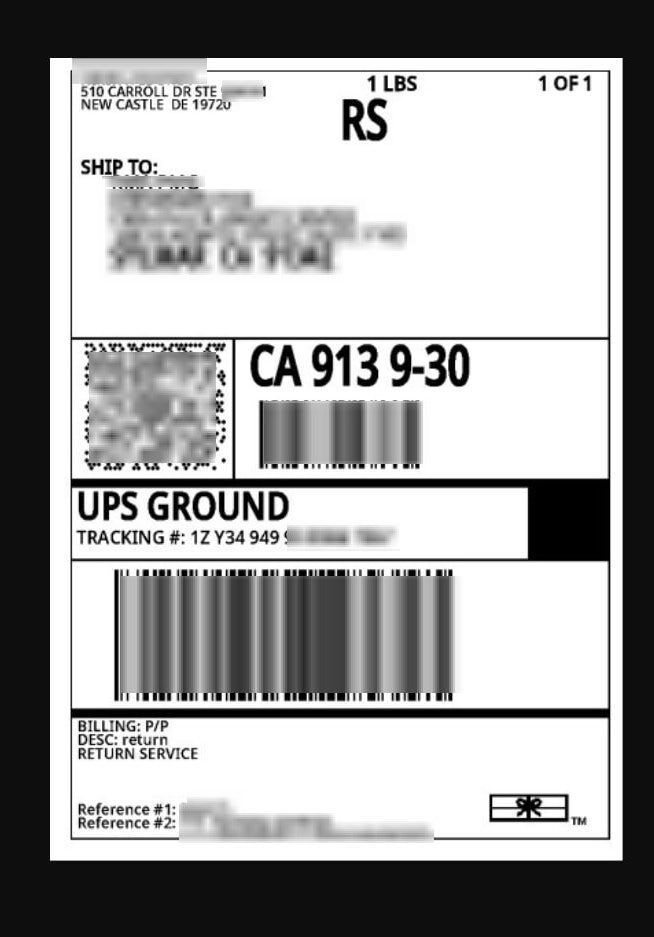
2. Upload it in your personal account.
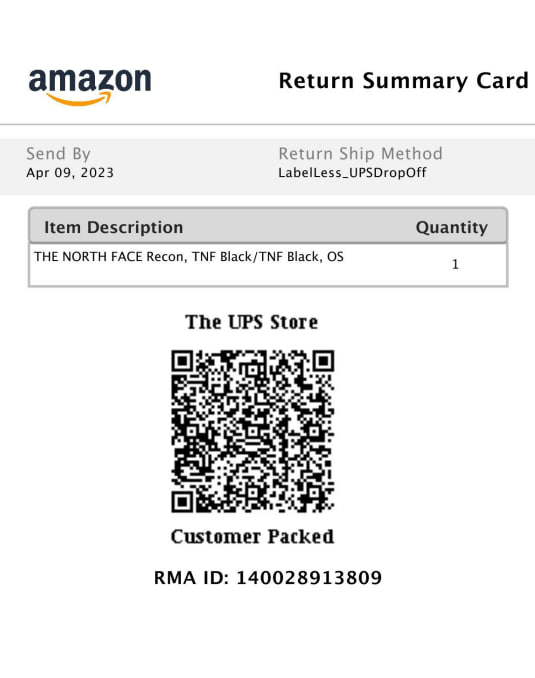
3. Do not upload QR codes, screenshots or just an address – the warehouse will not be able to use them for the return.
Make sure it is a correct file, not:
- QR codes
- Barcodes or screenshots of the return address
This is not suitable:
QR codes
Barcodes or screenshots of the return address
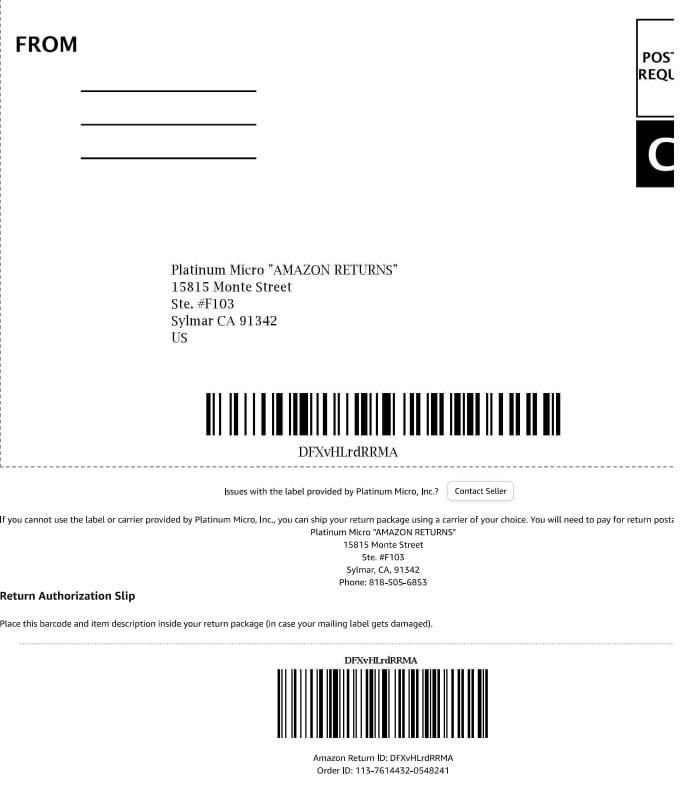
Free shipping is possible only with a correct return label.
What if there is no label?
If there is no such data – we can generate a label ourselves, but for this you need to request the return address, email and phone from the store.
In this case, delivery is paid separately, and the standard warehouse service commission is added.